
- Academics
- Admissions
- Enrollment & Registration
- Research
- Academic & Creative Spaces
- Strategic Partnerships
- Our Impact
- Student Affairs
- Alumni
- About VCUarts Qatar
- Community & Continuing Education
ADMISSIONS FOR FALL 2027 NOW OPEN + NEW MERIT SCHOLARSHIP AVAILABLE

Blender Animation Crash-Course

About this class
This series of workshops will help participants with no prior experience in 3D modeling and animation learn to create their own unique, simple animations within the free 3D software, Blender.
Learning Outcomes:
- Participants will be able to create, import and modify meshes in Blender
- Participants will learn how to import materials into Blender from free online
sources - Participants will be able to set up basic lighting for 3D scenes
- Participants will be able to create animations using transform, rotate and scale
commands
Class Outline
Session 1 – Setting Up
- Introduction to Blender and installation.
- Setting up user preferences to support an efficient workflow.
- Adding basic objects to the scene and understanding their functions.
Session 2 – Mesh Modelling Pt. 1
- Introduction to meshes and their role in 3D modeling.
- Editing mesh geometry to create custom shapes.
- Understanding modifiers, how to add them, and how to stack them effectively.
Session 3 – Materials
- Introduction to materials and how they define the look of objects.
- Creating new materials and understanding key material parameters.
- Importing free materials from online sources.
- Applying materials to meshes within a scene.
Session 4 – Working Session
- Creating a simple household or desk object in Blender and applying materials.
- Group discussion and feedback on models.
- Exploring how different project goals (animation, 3D printing, game design, etc.) influence the modeling process.
Session 5 – Composition
- Adding and positioning a camera within the scene.
- Understanding how a 3D camera simulates real-world camera behavior and how it differs.
- Adding lights to the scene and evaluating different light types and their behaviors.
- Learning how lighting interacts with materials and basic principles of effective lighting.
Session 6 – Animation Principles
- Exploring how motion can give character or intention to inanimate objects.
- Introduction to foundational animation principles.
- Adding keyframe animation to objects in Blender.
- Understanding animation curves and how they influence motion.
Session 7 – Rendering and Compositing
- Rendering animations out of Blender using appropriate settings.
- Applying basic post-processing effects in the compositor.
- Adjusting render settings to improve efficiency and reduce render times.
- Final class screening and constructive peer feedback on completed animations.
Materials needed
Please note that VCUarts Qatar reserves the right to cancel any class that does not meet the minimum enrollment requirement. Any fees already paid will be fully refunded.
Participants are advised not to purchase any materials until they receive final course confirmation from VCUarts Qatar.
- Participants will need access to a personal computer or laptop for this course. No prior experience in 3D modeling or animation is required, though basic computer proficiency is expected. If you require a laptop, please inform the team so arrangements can be made.
Schedule
Start: TBC
End: TBC
Lessons: 7
Days: Mondays and Wednesdays
Time: 5:00-7:00pm
Location: VCUarts Qatar Campus
Cost: QR 950
Instructors
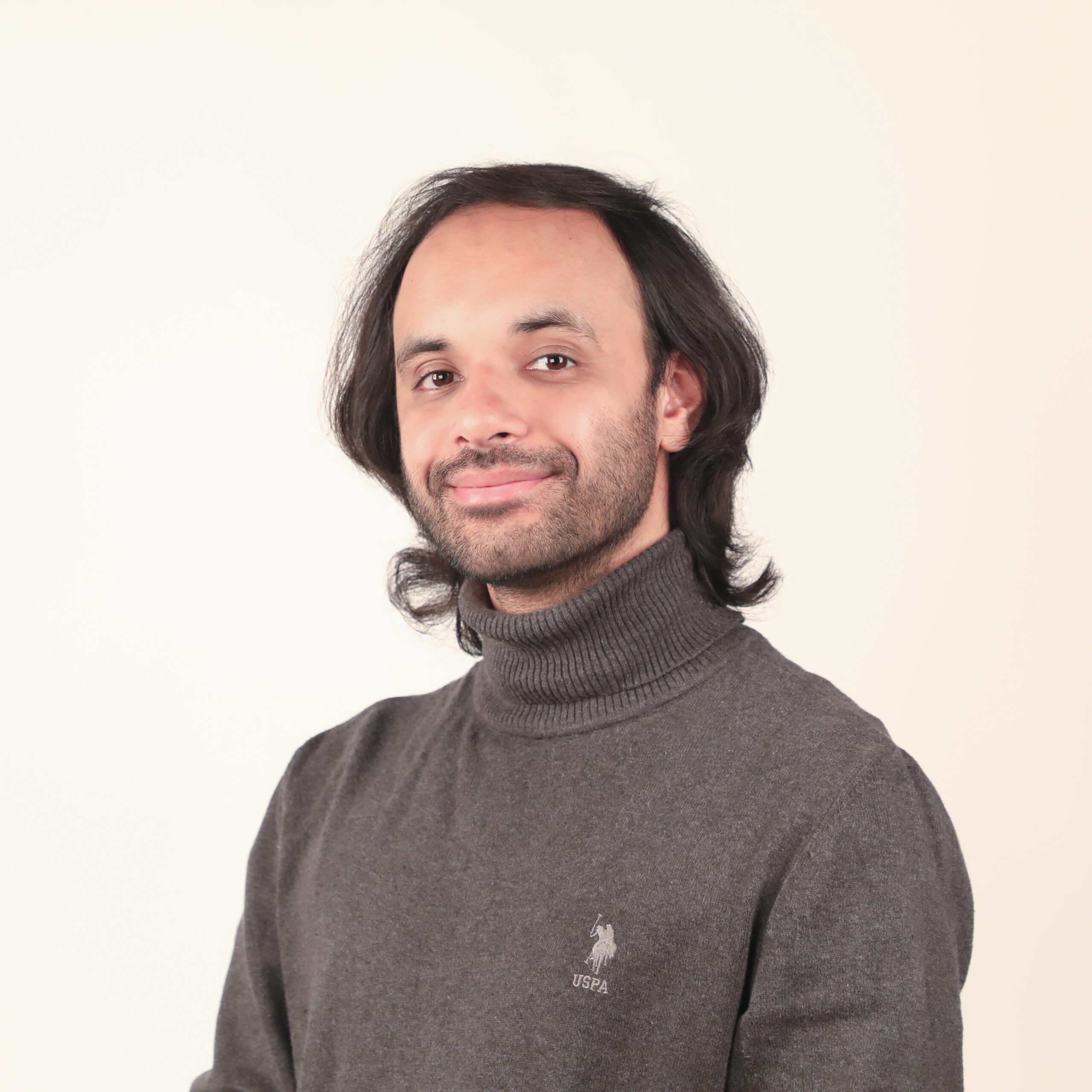
Syed Erzum
Syed Erzum Naqvi is an interdisciplinary designer and digital content producer with experience across the Middle East, China, Singapore, the UK, and the USA. He has worked at global agencies including Ogilvy, Saatchi & Saatchi and INVNT, delivering projects from documentaries and social campaigns to video games. An MFA graduate of VCUarts Qatar and Northwestern University in Qatar alumnus, his work examines the intersections of communities, environments, and cultures, creating connections between people and the stories they share.